How to convert PDF to JPG using Acrobat:
Open the PDF in Acrobat.
Click the Export PDF tool in the right pane.
Choose Image as your export format, and then choose JPEG.
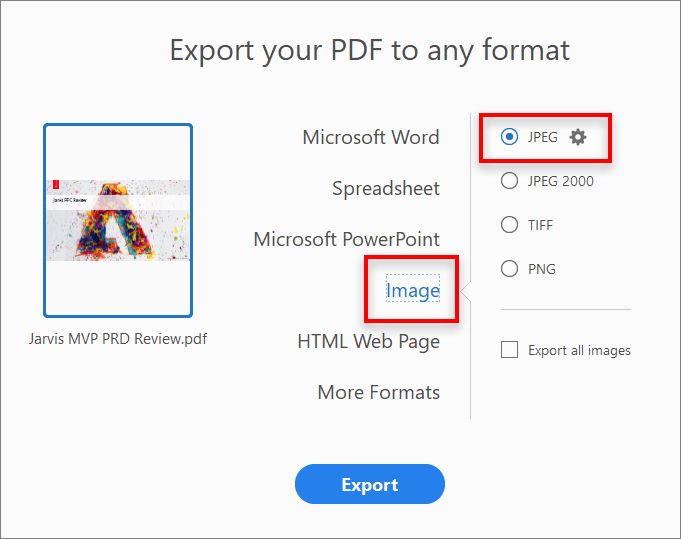
Click Export. The Save As dialog box is displayed.
Select a location where you want to save the file, and then click Save.
Each page in the PDF is saved as separate JPEG files

Comments
Post a Comment